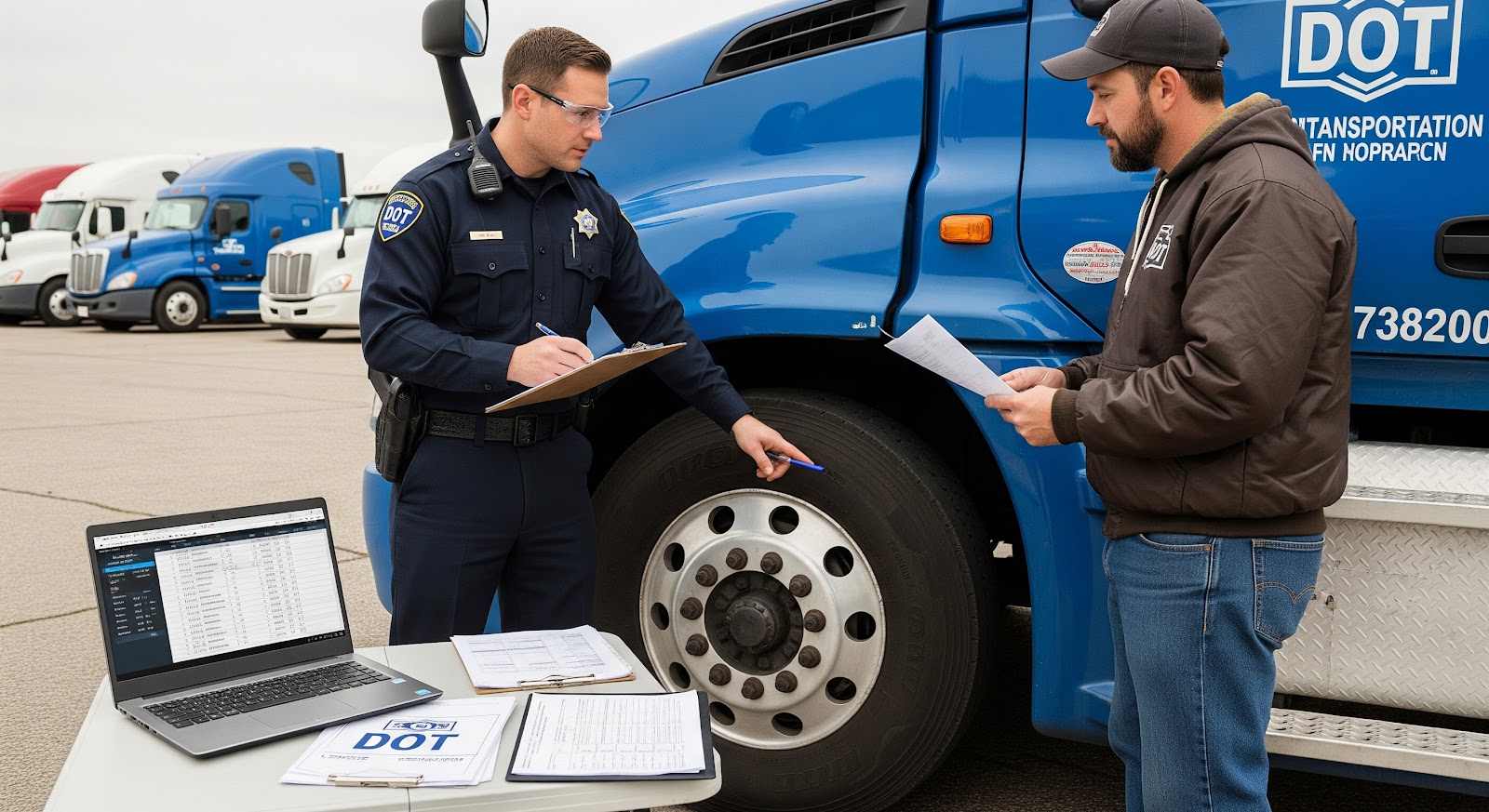
If you own or operate heavy vehicles with a taxable gross weight of 55,000 pounds or more, then you’re required to file IRS Form 2290, also known as the Heavy Vehicle Use Tax return. This form is essential for staying compliant with federal tax regulations and is necessary to receive your IRS-stamped Schedule 1, a document you’ll need for truck registration and DMV renewals.
Form 2290 applies to owner-operators, trucking companies, fleet managers, and long-term vehicle lessees, making it a critical filing for most of the commercial trucking industry. The IRS mandates that Form 2290 be filed annually, with the tax year running from July 1 through June 30. For vehicles active at the start of the tax year, the deadline to file is August 31.
Despite being an annual requirement, many filers face delays, IRS rejections, or penalties due to avoidable mistakes, such as using an incorrect VIN, forgetting to include their EIN, or choosing the wrong payment method. That’s where a Form 2290 checklist can make all the difference.
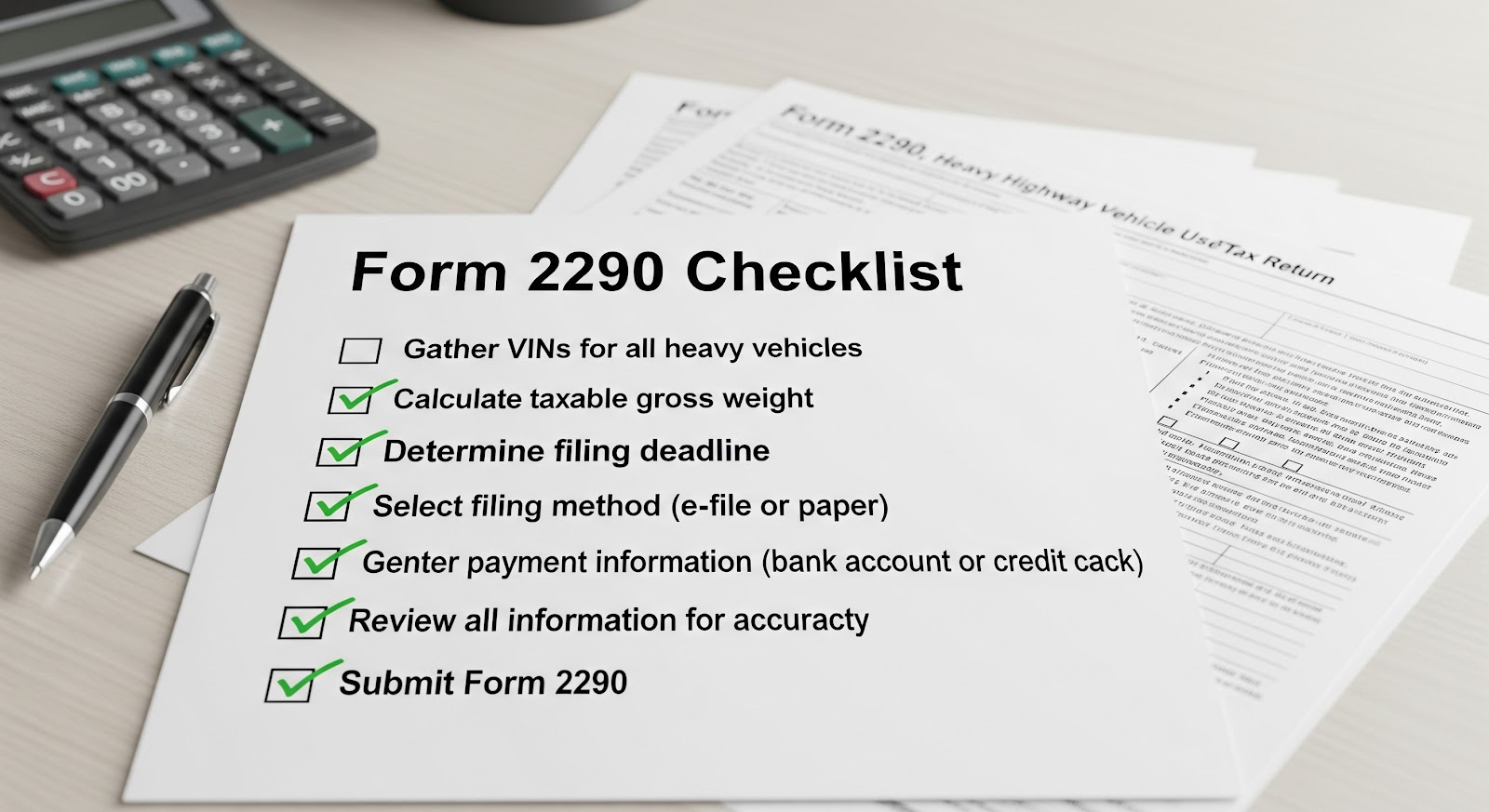
A comprehensive Form 2290 checklist to help you gather all the necessary information and documents before you start filing. Whether you’re submitting for a single truck or managing a large fleet, this checklist will guide you through everything you need, ensuring a smooth, accurate, and on-time filing process.
Form 2290 Checklist: What You Need Before You File
Before you sit down to file your IRS Form 2290, it’s important to gather the right information and documents. This checklist will help you avoid common errors and ensure your filing is fast, accurate, and accepted on the first try.
Here’s everything you need before filing:
1. Employer Identification Number (EIN)
- The IRS requires that all Form 2290 filings be submitted using a valid Employer Identification Number, Social Security Numbers are not accepted.
- If you’re a first-time filer and recently applied for an EIN, be aware that it can take up to 2 weeks for the IRS system to recognize it for e-filing purposes.
- Filing with an unverified or incorrect EIN is one of the most common reasons for IRS rejection.
Pro Tip: Make sure your EIN matches the IRS business name exactly to avoid issues.
2. Vehicle Identification Number (VIN)
- Your 17-character VIN must be entered exactly as it appears on your truck registration or title.
- Avoid common mistakes like:
- Transposing digits (e.g., 64 instead of 46)
- Replacing letters with numbers (e.g., using “O” instead of “0”)
- Using internal vehicle codes instead of the official VIN
- Transposing digits (e.g., 64 instead of 46)
Use ExpressTruckTax’s FREE VIN Checker tool before filing to ensure accuracy.
3. Taxable Gross Weight of Vehicle(s)
- This is the total weight of the vehicle when fully loaded, including the truck, trailer, and cargo.
- It determines your HVUT amount and must fall into one of the IRS’s weight categories (e.g., 55,000–75,000 lbs, etc.).
- If your vehicle’s configuration changes during the year (e.g., added axles), you may need to file a 2290 amendment.
Reference the IRS weight category chart if unsure.
4. First Use Month
- The first use month is when your vehicle was first operated on public highways during the tax period.
- If your vehicle was in use at the start of the tax year (July), then July is your first use month.
- For new vehicles, this will be the month you started using them, even if it’s mid-year.
The tax due is prorated based on the first use month for newly used vehicles.
5. Logging Status
- Logging vehicles are used exclusively for the transportation of forest products from forest sites.
- If your vehicle qualifies as a logging vehicle, you may be eligible for a reduced tax rate.
- Be sure to correctly mark your vehicle’s status during filing to avoid overpaying.
Logging vehicles must be registered as such with the state and used strictly in logging operations.
6. IRS Payment Method
You must select one of the following IRS-approved payment methods to pay your HVUT:
- EFTPS (Electronic Federal Tax Payment System) – Pre-enrollment required.
- Electronic Funds Withdrawal (EFW) – Enter bank account and routing number.
- Debit or Credit Card – IRS-authorized processors apply processing fees.
- Check or Money Order – Submit with Form 2290-V Payment Voucher.
Important: You cannot pay your tax through ExpressTruckTax itself; payment goes directly to the IRS.
7. Business Contact Information
- Include your legal business name, physical address, email, and phone number.
- This information must match what the IRS has on file for your EIN.
- Incorrect or mismatched data can cause delays or rejections.
Keep your IRS CP 575 notice handy to verify exact business name and EIN format.
8. Prior Year Schedule 1 (If Amending or Refiling)
- If you’re filing an amendment (e.g., due to weight increase or exceeding the mileage limit), you’ll need a copy of your previously filed Schedule 1.
- This also applies if you’re submitting Form 8849 Schedule 6 to request a refund or credit.
Prior filings can be pulled directly from your ExpressTruckTax account if you used it before.
Optional (But Helpful) Items:
- Truck registration or title (to verify VIN)
- Mileage logs, especially if claiming “suspended” status (under 5,000 miles or 7,500 for agriculture)
- IRS Letter 147C or CP 575 (for EIN verification)
How ExpressTruckTax Makes Filing Easier
Filing IRS Form 2290 doesn’t have to be stressful, time-consuming, or error-prone. With ExpressTruckTax, you get a trusted, IRS-authorized e-file provider that simplifies every step of the process, whether you’re a first-time filer or managing a fleet of thousands.
Here’s how ExpressTruckTax helps make your filing faster, easier, and more accurate:
Built-In VIN and Error Checks
Before you transmit your return, ExpressTruckTax automatically runs built-in error checks to catch the most common mistakes, like invalid VINs, incorrect EINs, or missing information. This helps reduce IRS rejections and speeds up the approval process.
Avoid typos and formatting issues that can delay your Schedule 1.
Ready Return – Auto-Fill from Previous Filings
If you’ve filed with ExpressTruckTax before, your next return is even easier. Our Ready Return feature automatically pulls your previous vehicle and business details into a new return, saving you time and eliminating repetitive data entry.
Just review, update if needed, and file in minutes.
Free VIN Corrections (When Filed with Us)
Mistyped a VIN? No problem. If you filed your Form 2290 with ExpressTruckTax and realize you’ve entered a wrong VIN, you can file a VIN correction for free, as many times as needed.
VIN corrections are processed quickly so you can get your updated Schedule 1 without delay.
Instant IRS-Stamped Schedule 1
Once the IRS accepts your filing, your official Schedule 1 is automatically emailed to you, often within minutes. You can also download it anytime from your account, fax it to your DMV, or store it securely for records.
No waiting around, your proof of HVUT payment is delivered fast.
Mobile App & Cloud Access – File Anywhere
On the road? No problem. With the ExpressTruckTax mobile app, you can file your Form 2290, receive IRS notifications, and store documents, all from your smartphone or tablet.
Access your Schedule 1 anytime, from any device.
Bilingual, US-Based Support You Can Trust
Stuck or have questions? Our dedicated support team is here to help, real people, no robots. You can reach us via phone, email, or live chat in English or Spanish.
Call us at 877-520-8640 or chat with a tax expert during business hours.
Secure, IRS-Authorized Filing
ExpressTruckTax is SSL-encrypted, Comodo Hacker-Safe certified, and directly connected to the IRS. Your data is protected with industry-leading security protocols every step of the way.
File with confidence, knowing your information is safe and secure.
Whether you’re managing one truck or a fleet of thousands, ExpressTruckTax is designed to make Form 2290 filing simple, fast, and accurate, backed by expert support when you need it most.
Filing Form 2290 may be a required part of running a trucking business, but it doesn’t have to be a hassle. The key to a smooth, stress-free experience is being prepared, and that starts with having the right checklist in hand.
By gathering everything you need in advance, your EIN, VINs, gross vehicle weight, payment method, and other key details, you’ll not only save time, but also avoid costly mistakes, rejections, and delays. Whether you’re filing for one vehicle or an entire fleet, preparation is what ensures your Schedule 1 is accepted quickly and your trucks stay on the road without interruption.
We encourage you to bookmark this checklist or even print it out and keep it in your office, dispatch center, or glove box. It’s a small step that can make a big difference during tax season.
Ready to File?
Get Started with ExpressTruckTax Today and experience the easiest, fastest way to file Form 2290, with built-in checks, free VIN corrections, instant Schedule 1 delivery, and top-rated customer support every step of the way.